

If you want to improve email deliverability, random fixes will not help for long. Inbox placement improves when your setup, list quality, sending behavior, and content all work together. Many teams focus only on subject lines or spam words, but deliverability problems usually start much deeper than that.
This guide shows how to improve email deliverability step by step. It covers the technical checks, list hygiene work, engagement fixes, and monitoring habits that help more of your email reach the inbox instead of spam.
What It Really Means to Improve Email Deliverability
To improve email deliverability means improving the chances that your email reaches the inbox, gets seen, and earns useful engagement. Delivery alone is not enough. A message can be accepted by a server and still land in spam or a low-visibility folder.
That is why deliverability should be measured as a trust problem, not only a send problem. Mailbox providers look at your domain, IP history, authentication, complaints, list quality, and recipient behavior before deciding where to place a message.
If you need the broader foundation first, this email deliverability guide explains how modern inbox placement works at a strategic level.
Why Email Deliverability Gets Worse
Teams usually need to improve email deliverability after one or more of these issues appear:
- missing or broken authentication
- old or inactive email lists
- spam complaints after broad sends
- weak sender reputation
- sudden volume spikes
- irrelevant campaigns sent to the wrong audience
The key is to identify the pattern before chasing isolated fixes. In many cases, inbox placement drops because several small issues stack together over time.
Step 1: Audit Authentication Before Anything Else
If you want to improve email deliverability, start with SPF, DKIM, and DMARC. These records help mailbox providers confirm that your email is legitimate and that the visible From domain is trusted.
Check every tool that sends on your behalf. Many teams set authentication correctly in one platform but forget a CRM, support system, or automation tool that still uses weak alignment. That gap hurts domain trust.
Google’s sender guidelines remain one of the clearest external references for authentication expectations and bulk sender hygiene.
Step 2: Clean Your List to Improve Email Deliverability
Bad list quality is one of the fastest ways to damage deliverability. If your database includes typo addresses, inactive contacts, old webinar leads, or low-intent signups, mailbox providers notice the negative behavior that follows.
Suppress hard bounces quickly. Review inactive segments regularly. Stop sending routine campaigns to people who never engage. If you need a deeper process, this guide on maintaining a clean email list will help.
Step 3: Segment Better Instead of Sending to Everyone
A common mistake is sending the same campaign to the full database. That usually lowers relevance, weakens clicks, and increases the chance of complaints or silent ignoring.
To improve email deliverability, segment by lifecycle stage, purchase behavior, engagement recency, or topic interest. A smaller engaged audience is usually better for the inbox than a larger mixed audience.
Step 4: Reduce Spam Complaints
Spam complaints damage trust quickly. Even if the rate looks small inside your ESP, mailbox providers treat repeated complaint signals seriously. That is why complaint prevention should be built into campaign planning.
- set clear expectations at signup
- keep unsubscribe links easy to find
- avoid misleading subject lines
- do not oversend to weak segments
- review campaigns that trigger unusual complaint spikes
If complaints keep rising, compare the issue with this article on why emails go to spam so you can spot whether the problem is broader than one campaign.
Step 5: Stabilize Sending Volume and Cadence
Mailbox providers prefer predictable patterns. If you send nothing for weeks and then push a large campaign, trust can drop. The same thing happens when a new domain or IP is scaled too quickly without warm-up.
To improve email deliverability, use a stable cadence and grow carefully. Start major changes with recent engagers first. Let positive signals build before you widen the audience.
Step 6: Improve Content Relevance, Not Just Copy
Great deliverability does not come from avoiding a short list of spam words. It comes from sending content that people actually want. Relevance affects opens, clicks, complaints, and inbox trust all at once.
Ask simple questions. Does this segment need this message now? Does the subject line match the email? Is the content useful enough to earn a click, reply, or save? Those checks matter more than tiny wording tricks.
Step 7: Watch Sender Reputation Closely
Sender reputation is built over time from engagement, complaints, authentication, list quality, and sending behavior. If reputation drops, inbox placement becomes harder across future campaigns too.
Track bounce patterns, spam rate, engagement quality, and provider-specific performance. Reputation usually weakens before revenue impact becomes obvious, so early monitoring matters.
Step 8: Fix Infrastructure and Stream Separation
If marketing, transactional, and support emails all depend on one weak setup, problems spread faster. Where possible, separate streams by purpose and monitor them individually. That gives you more control when one stream underperforms.
This is also the right time to review reverse DNS, sending domains, subdomains, and old platforms that may still be sending on your behalf.
Step 9: Build a Weekly Deliverability Review
One of the best ways to improve email deliverability is to stop treating it like an emergency-only topic. A short weekly review catches problems earlier.
- check authentication status
- review spam complaints and unsubscribes
- watch hard bounces and invalid recipients
- track engagement by segment
- compare inbox placement trends by provider
- document any volume or infrastructure change
This kind of routine prevents slow declines from becoming major inbox problems.
How to Improve Email Deliverability for Different Teams
For ecommerce: focus on segment freshness, purchase behavior, and promotional pressure.
For SaaS: align lifecycle messaging with actual product usage and suppress long-term inactive trial users.
For B2B: watch list source quality closely and avoid over-mailing low-intent imported contacts.
For publishers: use preference-based segmentation and monitor engagement decay by topic.
Image Suggestion to Explain How to Improve Email Deliverability
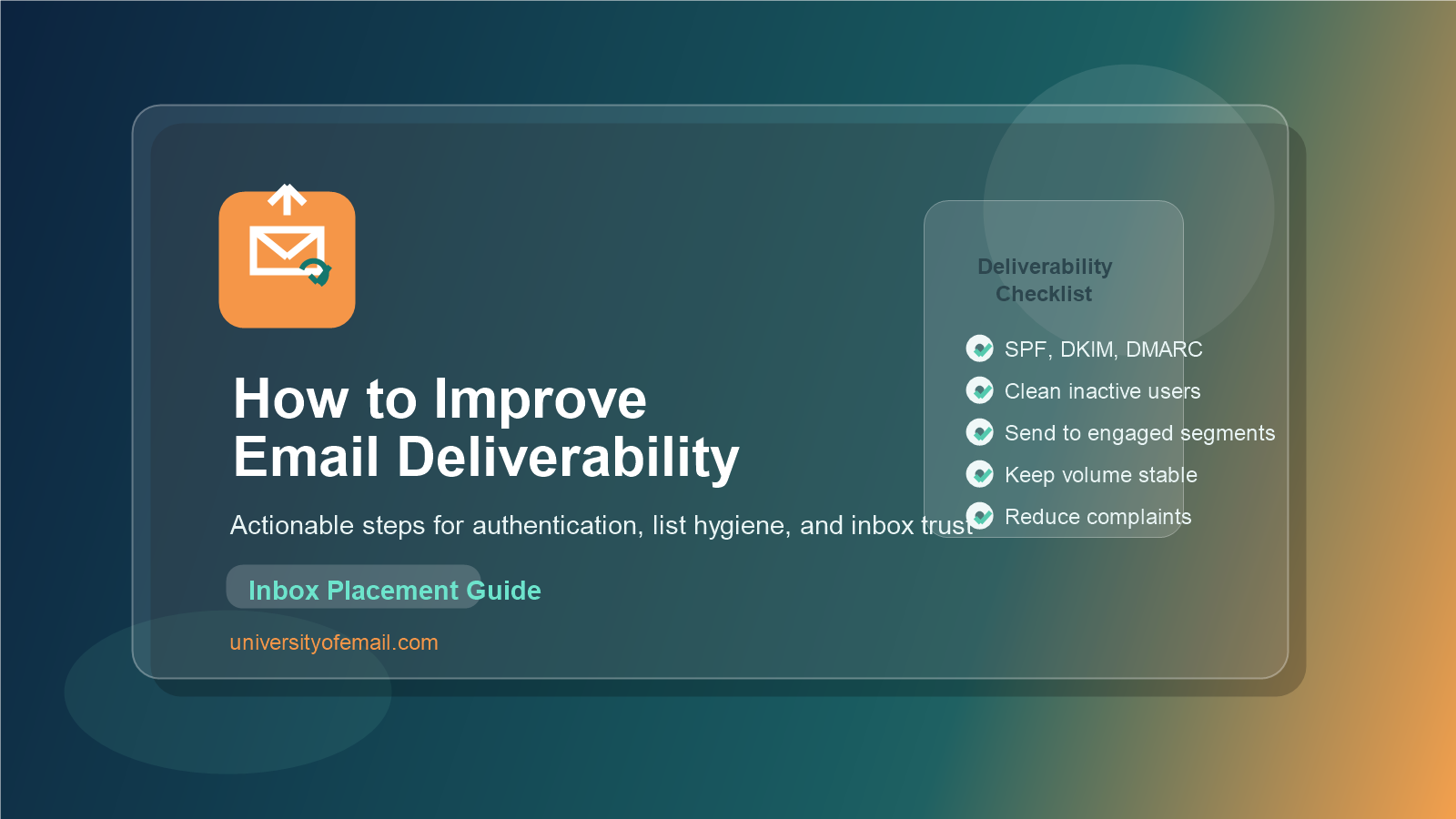
[Insert Image: email deliverability improvement checklist with authentication, list hygiene, segmentation, complaints, and monitoring]
FAQs About How to Improve Email Deliverability
What is the fastest way to improve email deliverability?
The fastest gains usually come from fixing authentication, suppressing inactive contacts, reducing complaints, and sending first to recent engagers.
Can list cleaning improve email deliverability?
Yes. Removing invalid and long-inactive contacts often improves reputation, lowers bounce risk, and helps mailbox providers see better engagement patterns.
Why does email deliverability drop suddenly?
It often drops after list imports, sudden volume spikes, authentication mistakes, complaint spikes, or sending content that no longer matches audience intent.
Final Thoughts on How to Improve Email Deliverability
If you want to improve email deliverability, think like a mailbox provider. Ask whether this sender looks legitimate, whether recipients seem to want the mail, and whether the sending behavior feels stable and responsible. When the answer to those questions gets stronger, inbox placement usually follows.
Start with authentication, clean your list, segment more carefully, reduce complaint risk, and review performance every week. Deliverability improves when good habits become routine.
