

Email performance starts long before a subscriber opens a campaign. If you want to improve email deliverability, you need a repeatable system that helps mailbox providers trust your domain, your sending behavior, and your content. The good news is that deliverability is not random. It improves when you tighten the right operational habits.
This actionable guide walks through how to improve email deliverability step by step. Whether you send newsletters, lifecycle emails, ecommerce campaigns, or B2B outreach, these are the practical changes that improve inbox placement and reduce the risk of spam-folder placement.
Why It Matters to Improve Email Deliverability
When deliverability slips, strong creative and smart strategy stop producing results. Open rates fall, clicks drop, revenue gets harder to predict, and performance data becomes less trustworthy. Many teams think the problem is the subject line or offer, when the real issue is that too many messages never reach the inbox.
To improve email deliverability, you have to work on infrastructure, list quality, reputation, engagement, and sending discipline together. A single fix rarely solves the problem by itself. What works is a steady process that removes risk signals and increases trust signals.
Step 1: Measure the Signals That Affect Email Deliverability
The first step is to stop guessing. Before you change anything, review the numbers that shape your sender reputation and inbox placement. Look at bounce rate, complaint rate, unsubscribe rate, open rate by mailbox provider, click rate, inactive audience size, and domain-level sending trends.
If one mailbox provider performs much worse than the others, that is a useful clue. If complaints spike after a new source of leads or a bigger send, that is another clue. If engagement falls while volume rises, your current sending pattern may be working against you.
How to audit deliverability performance before making changes
- Check spam complaint rates for the last 30 to 90 days.
- Review hard bounces and soft bounces by campaign and source.
- Compare engaged subscribers versus inactive subscribers.
- Look at performance by Gmail, Yahoo, Outlook, and corporate domains.
- Document any recent changes in volume, segmentation, templates, or acquisition sources.
Step 2: Improve Email Deliverability With Proper Authentication
Mailbox providers want proof that your domain is legitimate. That starts with SPF, DKIM, and DMARC. If authentication is missing, misaligned, or poorly configured, your chances of landing in spam increase quickly. Authentication is not a bonus task. It is foundational.
SPF tells providers which servers can send on behalf of your domain. DKIM adds a signed verification layer. DMARC connects the checks and gives mailbox providers policy guidance. If you have not reviewed these records recently, do it before scaling any campaign volume.
For current sender standards, review Google’s email sender guidelines. For a clear overview of how domain policy works, DMARC.org is a helpful reference, and NIST also provides a technical explainer on email authentication mechanisms such as DMARC, SPF, and DKIM.
If you need a deeper technical refresher, our guide on why emails go to spam explains how trust signals and filtering decisions work in practice.
Authentication fixes that improve inbox placement
- Make sure SPF includes all legitimate sending services.
- Confirm DKIM is active and signing from the right domain.
- Set up DMARC and monitor reports for alignment problems.
- Use a branded sending domain instead of generic shared identities when possible.
- Keep your from name and from address consistent so recipients recognize the sender.
Step 3: Warm Up Domains and Keep Sending Patterns Stable
If you want to improve email deliverability fast, avoid the temptation to increase volume too aggressively. Sudden spikes can trigger reputation concerns, especially on newer domains or infrastructure that has not built enough trust yet. Mailbox providers prefer stable, predictable sending behavior.
Warm up gradually. Start with your most engaged audience, send at manageable volume, and expand only when performance remains healthy. A disciplined ramp-up often protects deliverability better than a large one-time campaign.
How stable volume helps improve email deliverability
- Send first to recent openers and clickers.
- Increase volume in controlled stages instead of big jumps.
- Avoid long silence followed by a sudden high-volume blast.
- Keep campaign cadence predictable across weeks, not just days.
Step 4: Clean Your List to Improve Email Deliverability
List quality has a direct impact on sender reputation. If too many emails go to inactive, invalid, or low-intent recipients, mailbox providers see a mismatch between your mail and recipient interest. That weakens inbox trust over time.
Remove hard bounces immediately. Suppress contacts who have not engaged for a long period if they continue to show no interest. Be especially careful with purchased lists, scraped contacts, or poorly qualified signups. Those sources often create the exact risk patterns that hurt deliverability.
If blacklisting is part of your concern, our article on email blacklisting can help you understand how reputation issues grow when poor list hygiene continues unchecked.
List hygiene actions that improve email deliverability
- Remove hard bounces after the first failure.
- Monitor soft bounces and suppress repeated problem addresses.
- Run re-engagement campaigns before sending regular promotions to long-inactive users.
- Sunset subscribers who remain inactive after the re-engagement sequence.
- Review lead sources and cut the ones producing poor engagement or complaints.
Step 5: Segment by Engagement to Improve Email Deliverability
Not every subscriber should receive the same volume and type of email. When you segment by engagement, you reduce the chances of sending too often to people who no longer care. That helps protect your complaint rate and overall sender reputation.
A practical model is to create audience groups such as highly engaged, moderately engaged, at-risk, and inactive. Your most engaged subscribers can usually support more frequent sending. At-risk or inactive segments need a lighter, more selective strategy.
Use engagement segments instead of one-size-fits-all campaigns
- Increase frequency only for subscribers who consistently open or click.
- Reduce promotional volume to cold segments.
- Send win-back campaigns separately from regular newsletters.
- Use behavior data to make email targeting more relevant.
Stronger segmentation becomes easier when your customer data is better organized. If that is part of your roadmap, our explainer on what a CDP can do for email marketers covers how unified profiles support smarter targeting.
Step 6: Make Content More Relevant So You Improve Email Deliverability
Mailbox providers watch recipient behavior closely. If recipients open, click, reply, move messages into folders, or keep them in the inbox, those are healthy engagement signals. If recipients ignore, delete, complain, or unsubscribe quickly, that creates friction for future campaigns.
Relevant content improves deliverability because it improves engagement. This means matching subject lines to the real message, sending useful offers, personalizing where it adds value, and aligning message timing to subscriber expectations.
Content improvements that support better email deliverability
- Write subject lines that match the actual content of the email.
- Avoid misleading urgency or aggressive promotional language.
- Personalize based on behavior, not superficial tokens alone.
- Keep templates clean, mobile-friendly, and easy to scan.
- Balance image-heavy designs with enough readable live text.
Step 7: Reduce Complaints and Make Unsubscribing Easy
One of the fastest ways to harm sender reputation is to make recipients feel trapped. If the unsubscribe process is hard to find or hard to use, people often choose the spam button instead. That is a much stronger negative signal than a normal unsubscribe.
To improve email deliverability, reduce the reasons people complain. Set clear expectations at signup. Send the kind of content you promised. Keep frequency under control. Make unsubscribe and preference management simple.
How complaint prevention helps improve email deliverability
- Place the unsubscribe link where users can find it easily.
- Offer a preference center if your program has multiple email types.
- Honor opt-outs quickly and consistently across systems.
- Review signup language so subscribers know what they are agreeing to receive.
Step 8: Test Before You Scale Any Deliverability Recovery Plan
Many teams make good improvements but then undermine them by scaling too soon. Treat deliverability fixes as an operational experiment. Test changes on controlled segments first, then compare performance before rolling them out more broadly.
For example, if you tighten segmentation, clean inactive users, or change authentication alignment, monitor the impact on inbox metrics before expanding. This gives you a cleaner view of what actually improved performance.
What to monitor when you improve email deliverability step by step
- Inbox placement by provider or seed test if available.
- Open and click trends among engaged segments.
- Complaint and bounce changes after each adjustment.
- Revenue per send and unsubscribe rate after list cleanup.
Step 9: Review Reputation Signals Continually
Deliverability is not a one-time project. The strongest programs review reputation signals every week and major trend lines every month. That makes it easier to catch issues before they become large enough to affect the whole program.
Keep a simple deliverability scorecard. Track authentication health, send volume, complaint rate, bounce rate, engagement trend, inactive audience ratio, and any provider-specific problems. If your team manages email across multiple systems, centralize those checks so no one misses a warning sign.
Step 10: Build a Repeatable Process to Improve Email Deliverability Long Term
The best way to improve email deliverability is to build repeatable habits, not chase emergency fixes. Strong programs use clear signup standards, good authentication, gradual warming, audience segmentation, content relevance, and regular list hygiene as standard operating procedure.
If your team wants a simple rule to follow, send more often to people who engage, send less often to people who do not, and remove risk sources before they damage reputation. That mindset improves inbox placement more reliably than short-term tricks ever will.
Quick Checklist to Improve Email Deliverability
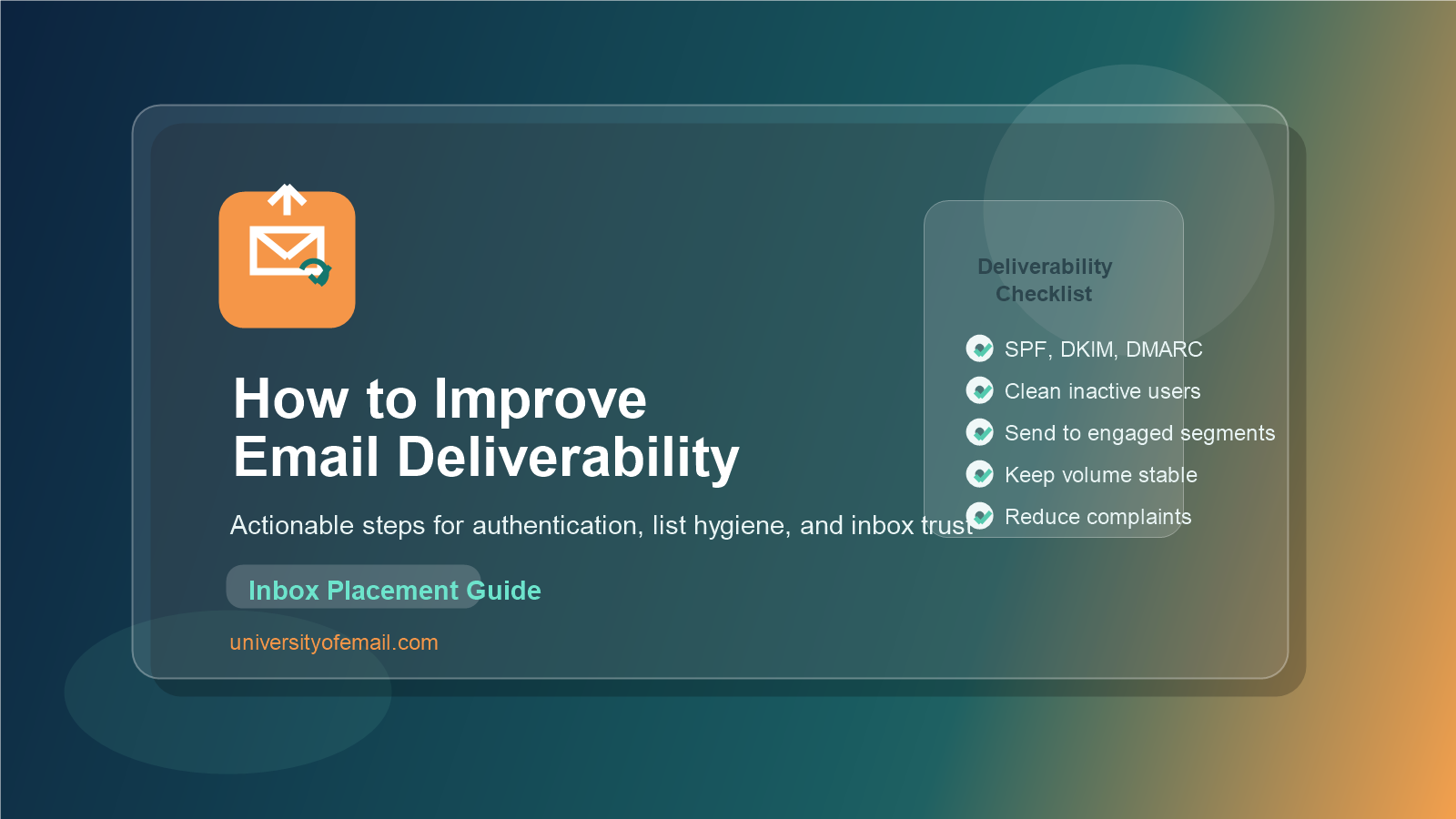
- Audit complaints, bounces, engagement, and provider-level performance.
- Verify SPF, DKIM, and DMARC alignment.
- Warm up new infrastructure gradually.
- Remove invalid and unengaged contacts.
- Segment by recent engagement.
- Improve content relevance and expectation matching.
- Keep unsubscribe easy and visible.
- Test changes on smaller audiences before scaling.
- Monitor sender reputation continuously.
FAQ: How to Improve Email Deliverability
What is the fastest way to improve email deliverability?
The fastest gains usually come from sending to more engaged subscribers, suppressing invalid or inactive contacts, and confirming authentication is set up correctly. Those changes remove risk quickly and often improve reputation signals early.
Can better content improve email deliverability?
Yes. Better content improves recipient engagement, and engagement helps mailbox providers trust your mail stream more. Relevance, timing, clarity, and expectation matching all matter.
How long does it take to improve email deliverability?
Some fixes show early signals within days, especially list cleanup and segmentation improvements. Larger reputation recovery can take several weeks because mailbox providers need time to see consistent positive behavior.
If you improve email deliverability with a consistent process instead of isolated fixes, your program becomes more resilient over time. That is what protects inbox placement when volume grows and campaigns become more ambitious.
