
If your newsletter or marketing email keeps landing in Gmail Promotions, you are not alone. This is one of the most common deliverability problems senders face, and it is not always a sign that something is broken. But if your open rates are dropping or your important emails are getting buried, you need a clear fix plan. In this guide, we will break down why emails end up in Gmail Promotions and what you can do to improve inbox placement.
Promotions is not the same as spam. That matters. Gmail is usually trying to classify your message based on content, layout, sending behavior, and user engagement. The good news is that many of the triggers are fixable. If you understand the pattern, you can improve email deliverability without guessing.
What Is Gmail Promotions?
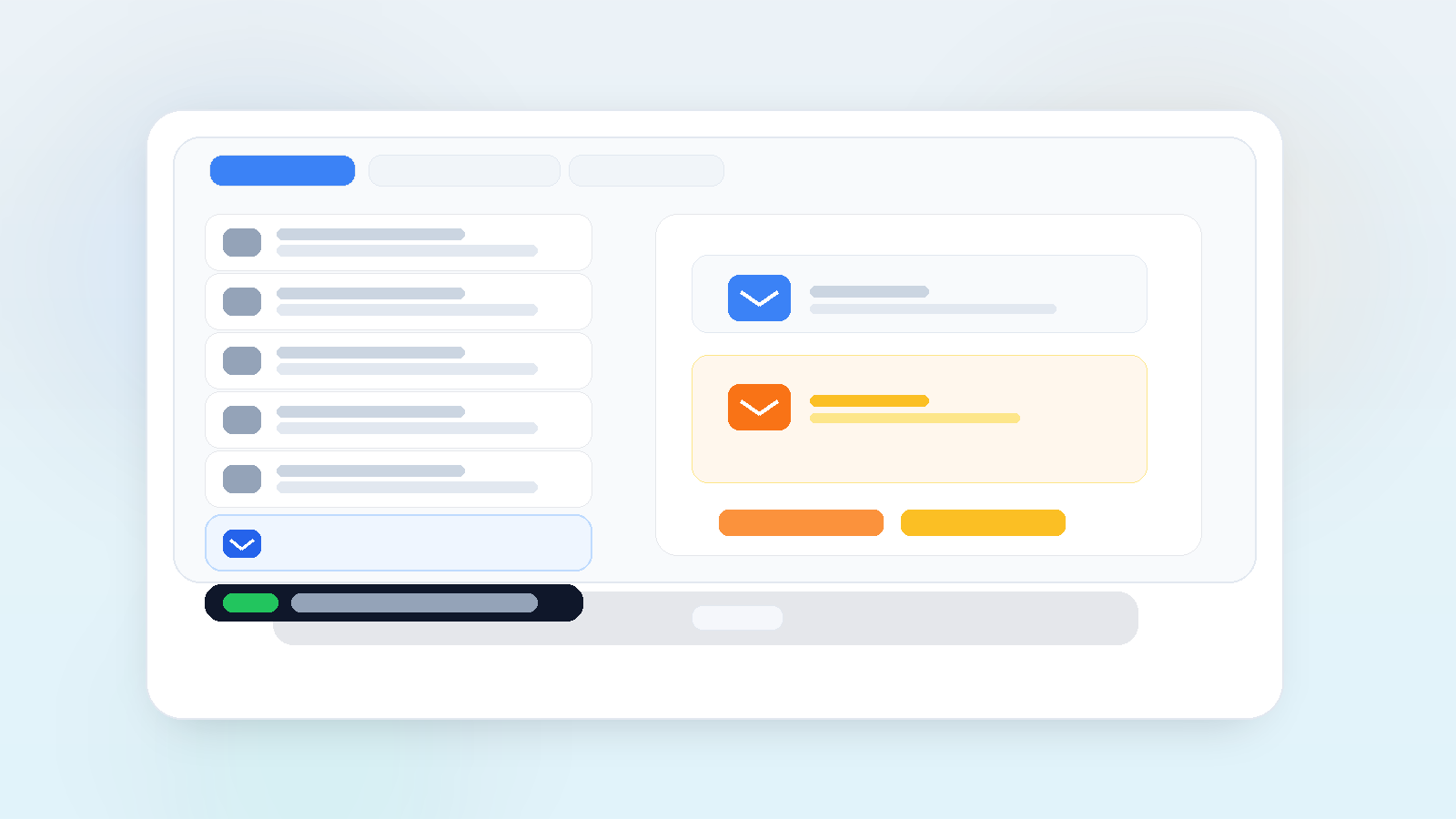
Gmail uses tabs to sort inbox messages into categories like Primary, Promotions, Social, and Updates. Promotions is where Gmail places marketing-style emails, offers, newsletters, and messages that look promotional in structure or language. For many brands, that is normal. For others, it becomes a problem when important updates are treated like sales emails.
Gmail does this to help users manage clutter. It looks at message patterns, sender history, formatting, and user behavior. If recipients open, reply, move, or star your messages, Gmail learns that your emails matter. If people ignore, archive, or delete them, classification gets worse over time.
Why Emails End Up in Gmail Promotions
There is usually no single reason. Most of the time, Gmail sees several signals that your email is promotional. That can include heavy imagery, sales language, multiple links, too many buttons, or a large number of similar sends from your domain. Gmail also watches user engagement closely, so low interaction can push future emails deeper into Promotions.
- Too many promotional words in the subject line or body
- Image-heavy layouts with very little text balance
- Multiple links, buttons, and repeated CTA blocks
- Low opens, clicks, or replies from your audience
- Weak sender reputation or inconsistent sending patterns
- Missing authentication or poor list quality
How to Fix Gmail Promotions Placement
You do not need to strip all personality out of your emails. You need to make them less obviously promotional and more useful to the reader. That starts with structure, relevance, and trust.
1. Simplify the layout
Start with a cleaner template. Avoid sending emails that look like a flyer. Reduce the number of buttons, keep the body text balanced, and make the message feel human. A simple layout often performs better than a crowded one, especially when you want to improve inbox placement.
2. Reduce sales-heavy wording
Words like “free,” “offer,” “deal,” “buy now,” and “limited time” can contribute to promotional signals, especially when they are repeated. That does not mean you can never use them. It means you should use them carefully and only when they fit the message. Write like a person, not a billboard.
3. Improve audience engagement
Gmail reacts to behavior. If your subscribers regularly open and click your emails, your messages are more likely to stay visible. If they ignore your sends, Gmail gets less confident. Focus on audience quality, segment better, and send content people genuinely want to read.
If you need help with the bigger picture, our Email Deliverability in 2026 guide gives a broader framework, and our step-by-step deliverability guide covers sender reputation, list health, and engagement improvements.
4. Authenticate your sending domain
SPF, DKIM, and DMARC do not directly move you out of Promotions, but they support trust. Without authentication, Gmail has fewer reasons to believe your messages are legitimate. If your setup is incomplete, start with our SPF, DKIM and DMARC guide.
5. Clean your list
Old, inactive, and unengaged contacts drag down performance. A healthy list is one of the fastest ways to improve email deliverability. Remove bounced addresses, suppress chronic non-openers, and avoid sending to people who never opted in properly.
6. Send consistently
Big gaps between sends can make your sender behavior look unstable. Gmail tends to trust consistent senders more than erratic ones. If you send once a month and then suddenly blast a large campaign, expect classification to be less favorable.
Best Practices That Actually Help
- Use one primary CTA instead of several competing buttons
- Write a subject line that sounds useful, not salesy
- Balance text and image use instead of relying on visuals only
- Segment by interest, lifecycle stage, and engagement level
- Test messages with seed inboxes before large sends
- Keep complaints and unsubscribes low by setting clear expectations
If you want to check how Gmail behavior fits into the broader ecosystem, Google’s own Gmail Help page on categories and tabs is a useful reference.
When Promotions Is Not a Problem
For newsletters, promotional offers, and product announcements, Promotions is often perfectly normal. The real problem is when your audience does not see value or when an important message gets treated like a sales blast. In those cases, focus on relevance first, not just placement.
In other words, do not chase Primary tab placement at the cost of trust. The better goal is to send messages people open, click, and remember. That improves long-term deliverability more than any trick ever will.
FAQs
Why do emails go to Gmail Promotions?
Emails go to Gmail Promotions when Gmail sees promotional patterns in your layout, language, links, sending history, or engagement. It is usually a classification issue, not a spam issue.
How can I improve inbox placement in Gmail?
Use cleaner templates, send better-targeted content, improve engagement, authenticate your domain, and keep your list healthy. Those steps help improve email deliverability in a way that lasts.
Should I try to avoid Promotions completely?
Not always. If your email is clearly promotional, Promotions may be the right place. The goal is not to fight Gmail blindly. The goal is to make sure your message gets opened, read, and acted on by the right people.
Conclusion
Gmail Promotions is a common deliverability challenge, but it is manageable. When you understand what Gmail is looking at, you can make smarter choices about copy, design, audience quality, and sending behavior. Small changes often make a real difference.
Start by cleaning up your template, tightening your segmentation, and improving engagement. Then measure what changes. That is how you turn Promotions placement from a frustration into a predictable part of your email strategy.
