

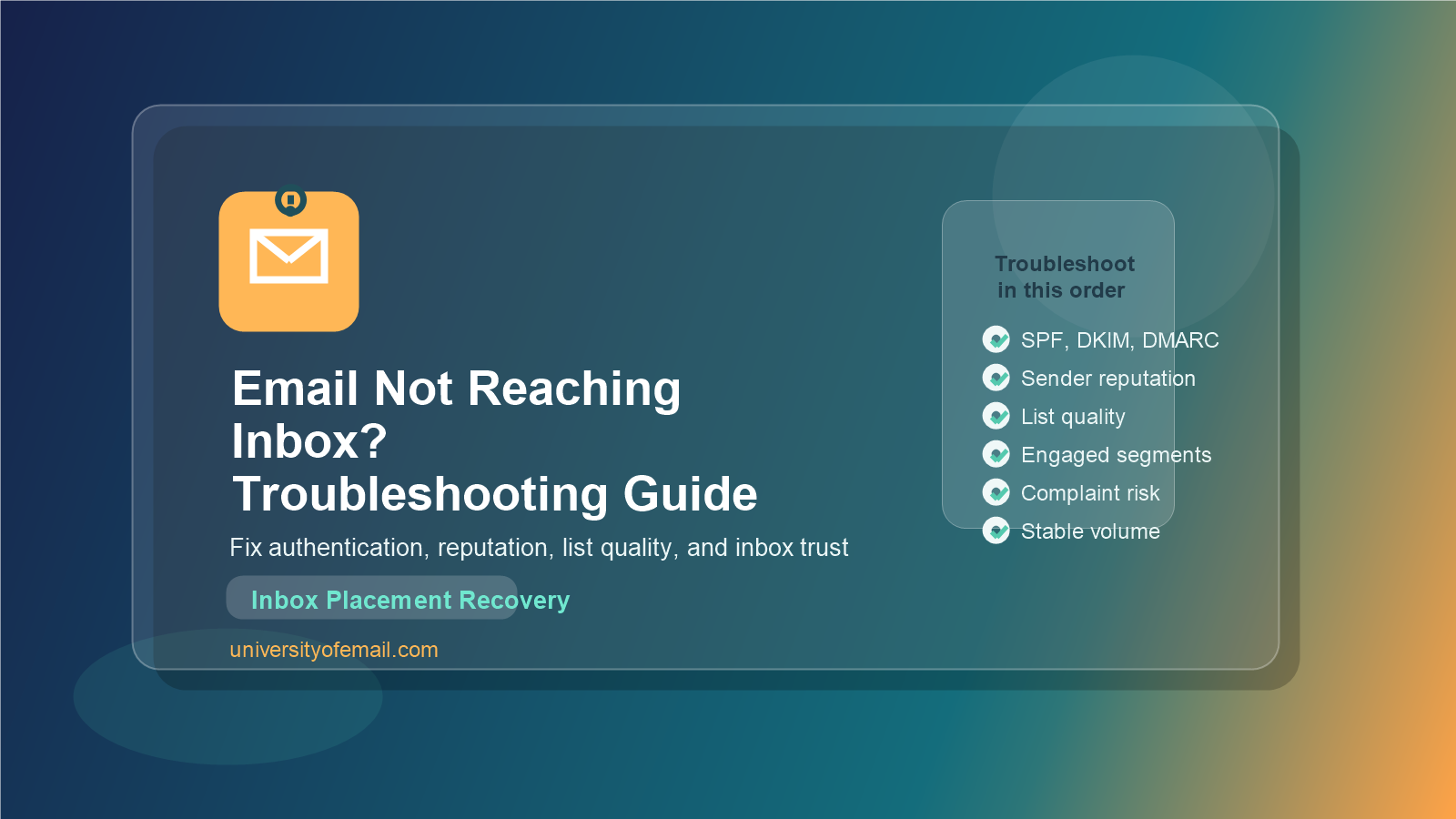
If your email not reaching inbox problem keeps showing up even when campaigns are sending successfully, the issue is usually trust, not delivery. Your ESP may report the message as sent, but Gmail, Outlook, Yahoo, or a business filter still decides whether it belongs in the inbox, promotions tab, spam folder, or nowhere useful at all. That final decision is where real deliverability lives.
This troubleshooting guide explains why email not reaching inbox issues happen, how mailbox providers evaluate your mail, and what to fix first when results drop. The focus here is not cold email. This is for legitimate marketing, lifecycle, ecommerce, SaaS, and transactional programs that need stronger inbox placement.
What “Email Not Reaching Inbox” Really Means
Many teams use the phrase email not reaching inbox when they are actually seeing one of several different problems. Some messages go to spam. Some land in promotions. Some are temporarily deferred. Some are blocked by corporate filters. Some are accepted by the mailbox provider but ignored because the recipient never checks that folder.
That is why the first step is to separate delivery from inbox placement. Delivery means the receiving server accepted the message. Inbox placement means the message reached the inbox where the user is likely to see it. You can have good delivery rates and still have a serious email not reaching inbox problem.
If you want the wider foundation behind this, read the email deliverability guide. It explains the difference between accepted mail and trusted mail in more depth.
How Inbox Placement Works
Mailbox providers score your email before and after it is delivered. They look at authentication, sender reputation, historical complaints, bounce quality, engagement trends, content patterns, link trust, and sending behavior. They also compare your current campaign to your past behavior.
Think of inbox placement as a rolling trust decision. Gmail and Outlook are not asking only whether this one email looks acceptable. They are asking whether your domain, IP, traffic pattern, and audience behavior suggest the message is expected and useful. That is why a single change, like blasting an old list or adding a new sending tool without proper setup, can trigger an email not reaching inbox issue fast.
Main Reasons Email Not Reaching Inbox
Broken or Missing Authentication
Authentication is the first trust layer. If SPF, DKIM, or DMARC are missing, misaligned, or broken, mailbox providers have less confidence that your domain is legitimate. For some senders this leads directly to spam placement. For others it weakens trust just enough that already borderline campaigns start slipping out of the inbox.
This is especially common after tool changes. A marketing team adds a CRM, helpdesk, form tool, or billing platform, but nobody updates DNS or verifies alignment. Suddenly one stream starts underperforming and no one connects it to authentication. If you need a technical refresher, this SPF, DKIM, DMARC guide is the best place to start.
Weak Sender Reputation
Reputation is built over time, and it breaks faster than most teams expect. Complaint spikes, hard bounces, spam trap hits, blocklist issues, sudden volume swings, and long-term low engagement all hurt the reputation attached to your domain and sometimes your IP. Once that trust drops, email not reaching inbox becomes a pattern rather than a one-off event.
A common mistake is assuming a good template or a new subject line will solve a reputation problem. It usually will not. Reputation recovery comes from fixing audience quality, sending discipline, and trust signals over multiple sends.
Low Positive Engagement
Mailbox providers want evidence that recipients value your email. Opens matter less than they used to because of privacy changes, but positive engagement still matters. Clicks, replies, moves out of spam, saves, and repeat interaction all help. If people ignore your mail week after week, providers start protecting the user from you.
This is where many brands misread the problem. They think the email not reaching inbox issue is technical, but the actual issue is that they keep mailing disengaged subscribers with the same broad message. Better segmentation often fixes more than any template tweak.
Poor List Quality
Old, purchased, scraped, or weakly collected lists are one of the fastest paths to spam placement. Bad data creates bounces, complaints, unknown-user responses, and low interaction. Even if only part of the list is weak, the whole program can suffer.
This is why serious senders treat list hygiene as a deliverability control, not a cleanup chore. A disciplined process for suppressing invalid, inactive, and risky contacts protects inbox placement long before a major problem appears. The guide on how to maintain a clean email list goes deeper on that system.
Inconsistent Sending Patterns
Stable senders look safer than chaotic senders. If you disappear for weeks and then blast your full database, filters notice. If your daily volume doubles overnight because of a promotion or migration, filters notice that too. The issue is not high volume by itself. The issue is unexplained change.
For newer domains this matters even more. Providers expect gradual warm-up and consistent audience behavior. Sudden spikes from a cold or lightly used domain create the exact conditions that make email not reaching inbox harder to reverse.
Spam Complaints and Unsubscribe Friction
If users cannot easily understand why they received your email or cannot leave the list without friction, complaint risk climbs. Complaints are a direct negative signal. In many cases they hurt faster than weak opens because they show active rejection.
The fix is not hiding the unsubscribe link lower in the footer. The fix is setting expectations clearly, mailing only relevant segments, and making opt-out easier than the spam button. Gmail and Yahoo both reward senders who reduce frustration.
Content and Link Trust Problems
Content alone rarely causes all deliverability problems, but it can make a weak program worse. Too many links, redirect-heavy tracking, misleading subject lines, mismatched branding, risky shortened URLs, attachment-heavy sends, and unbalanced image-to-text ratios can all reinforce low-trust patterns.
This is why content review should focus on trust and clarity, not just avoiding a list of spam words. Modern filters are much smarter than keyword myths.
Step-by-Step Troubleshooting Guide for Email Not Reaching Inbox
When inbox placement drops, work in order. Random changes make diagnosis slower. This sequence helps you isolate the real cause.
- Check whether the problem affects one mailbox provider or all of them. Gmail-only issues usually point to reputation, engagement, or Gmail-specific signals. Outlook-only issues may involve Microsoft filtering behavior. Broad issues suggest setup, list, or reputation problems.
- Review authentication first. Confirm SPF, DKIM, and DMARC are present and aligned with the From domain. If a new tool was added recently, verify it was configured correctly.
- Look at bounce and deferral patterns. Hard bounces, policy rejections, and temporary blocks often reveal the layer that is failing. A rise in unknown-user bounces usually points to list quality.
- Check complaint and unsubscribe trends. If complaints rose after a campaign change, segment change, or offer change, the issue may be audience mismatch rather than DNS.
- Compare engaged and unengaged segments. If highly engaged users still get the inbox while inactive users do not, you likely have a targeting and reputation problem.
- Audit volume changes. Look for sudden spikes, sending pauses, or new streams that changed the profile of the domain.
- Review links, branding, and landing pages. Broken trust between email and destination can push borderline campaigns into spam.
- Use postmaster and reputation tools. Google Postmaster Tools and Microsoft sender resources can help validate whether the domain is experiencing trust issues.
If you are starting from zero and need a practical recovery path, the article on how to improve email deliverability gives a broader optimization checklist you can pair with this troubleshooting workflow.
What to Fix First When the Problem Is Severe
When the drop is sharp, do not keep sending to the full database while you investigate. That often deepens the trust problem. Start by mailing only your most engaged users for a short period. This protects signals while you repair the rest of the program.
- Pause risky segments such as old imports, cold subscribers, and long-term inactive users.
- Suppress hard bounces and obvious unknown users immediately.
- Verify every sending source attached to the domain.
- Reduce send frequency if complaints rose from fatigue.
- Keep subject lines and offers aligned with subscriber expectations.
This is not a forever plan. It is a stabilization move. Once inbox placement improves for engaged users, you can widen carefully with better segmentation and stricter data controls.
Gmail, Outlook, and Business Filter Differences
Not every provider weighs the same signals the same way. Gmail is heavily behavior-driven. Outlook can be more reactive to reputation and infrastructure patterns. Business filters often care strongly about authentication, attachments, domain age, and security posture.
That is why inbox testing across seed lists is helpful, but seed tests alone are not enough. Your own audience behavior matters more than generic test results. A campaign can look fine in a seed list and still underperform with real subscribers if your engagement history is weak.
Google’s official sender guidelines remain one of the best external references for understanding the baseline expectations mailbox providers now have for legitimate senders.
How Long Does Inbox Recovery Take?
Small issues can improve within a few sends. Reputation damage usually takes longer. If the problem came from a one-time list mistake or a broken record, recovery may happen quickly after correction. If the issue built up over months of low engagement and weak hygiene, expect a slower climb.
The key is consistency. Mailbox providers trust patterns more than promises. If you repair the setup but keep mailing poor-quality segments, the problem returns. If you pair technical fixes with better audience discipline, the recovery usually holds.
Email Not Reaching Inbox Prevention Checklist
- Keep SPF, DKIM, and DMARC current for every sending source.
- Monitor domain reputation and complaint trends regularly.
- Segment by engagement instead of blasting the full database.
- Remove invalid and stale records on a schedule.
- Warm up new domains, streams, and major volume increases gradually.
- Make unsubscribe easy and expectation-setting clear.
- Audit templates, links, and tracking changes before large sends.
- Review postmaster data after important campaign or infrastructure changes.
FAQs About Email Not Reaching Inbox
Why are my emails delivered but not in the inbox?
Because accepted mail is not the same as trusted mail. Your message may be delivered to spam, promotions, or a filtered folder if the mailbox provider does not trust the sender strongly enough for inbox placement.
What is the first thing to check when email is not reaching inbox?
Start with authentication and segment quality. Confirm SPF, DKIM, and DMARC are correct, then review whether the campaign was sent to engaged recipients or weak list segments.
Can a clean design still go to spam?
Yes. Clean design helps, but inbox placement depends much more on reputation, engagement, authentication, list quality, and complaint behavior than on design alone.
Does sending more often improve inbox placement?
Only if the extra mail is wanted and relevant. More volume without strong engagement usually makes the problem worse. Consistency matters more than frequency by itself.
Final Thoughts
Email not reaching inbox is rarely one mystery bug. It is usually the combined result of trust signals, audience quality, and sending behavior. The teams that fix it fastest are the ones that diagnose calmly, change one layer at a time, and protect engaged segments while they recover.
If you treat authentication, list quality, engagement, and sending consistency as one connected system, inbox placement becomes much easier to control. That is how you move from guessing at deliverability to managing it like an expert.
